Why this matters
Less time hunting, more time fixing
A bad parts process can add 30 minutes to every job. Centralising the catalog and pre-wiring suppliers turns parts from a bottleneck into a 30-second decision.

Catalog, stock, finder and supplier links, all in one place.
Parts are usually where repair workflows leak time and margin. FixFirst keeps the catalog, stock, supplier links and order status next to the job, so technicians stop tab-hopping.
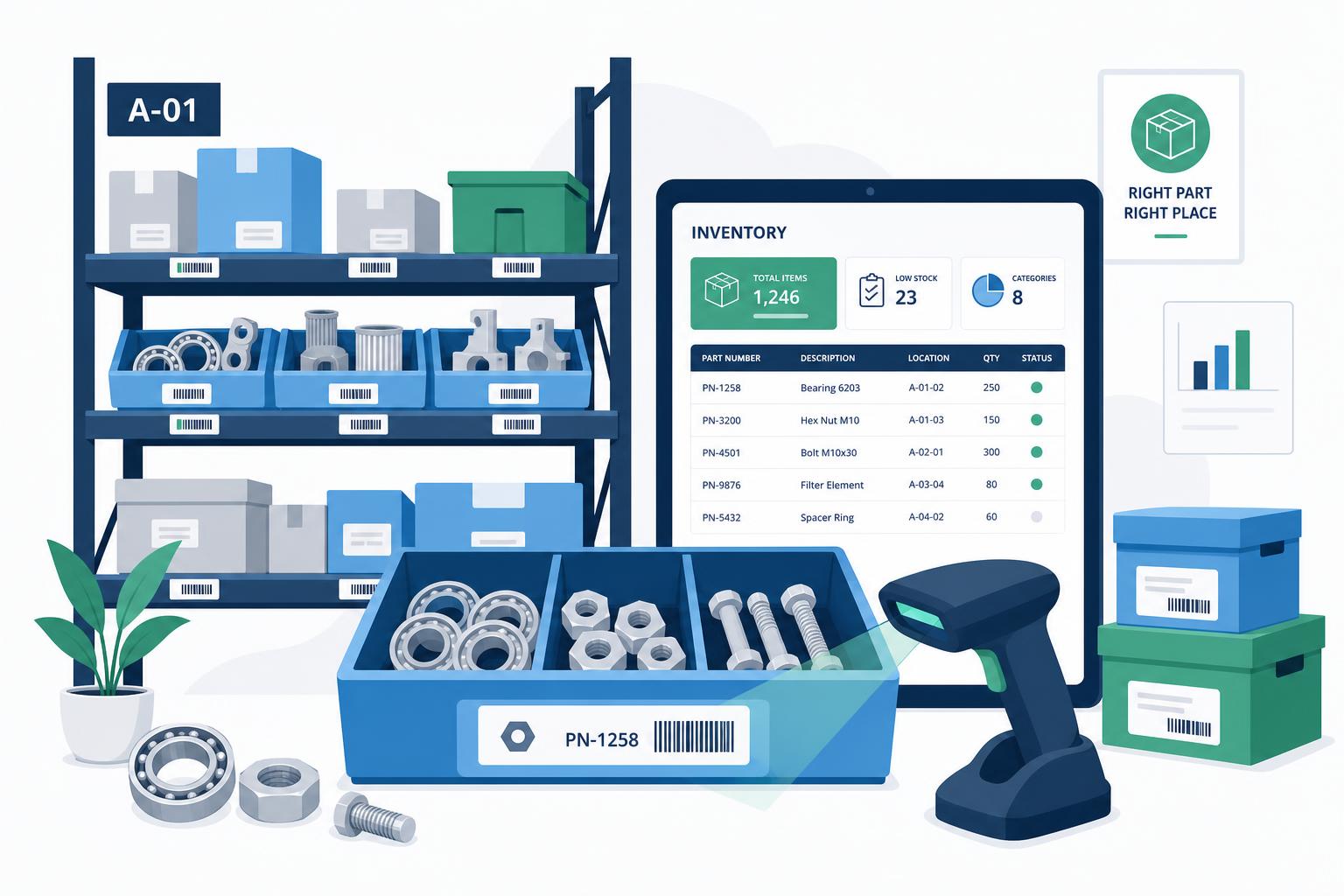
Type the device or scan a label, get compatible parts ranked by stock + price.
See van, bench and warehouse stock at a glance.
Order from your suppliers without leaving the job.
A bad parts process can add 30 minutes to every job. Centralising the catalog and pre-wiring suppliers turns parts from a bottleneck into a 30-second decision.
Import from suppliers or your existing list, we keep them in sync.
Min/max per location, lead time, preferred supplier.
One click adds the part to the job and sends the PO.
Scan-in receipts auto-allocate to the waiting jobs.
20 minutes is enough to size it on your real volume.