Why this matters
Bridge the gap between bench and back-office
Most workshop pain comes from devices being in one state physically and another digitally. Scan-driven stations keep them in sync without admin overhead.

Scan-driven stations, kanban boards and SLA timers built for the bench.
The workshop view is designed for technicians, not managers. Big touch targets, QR-driven station handoffs, and a kanban that mirrors your physical bays, so the digital state matches the device on the bench.
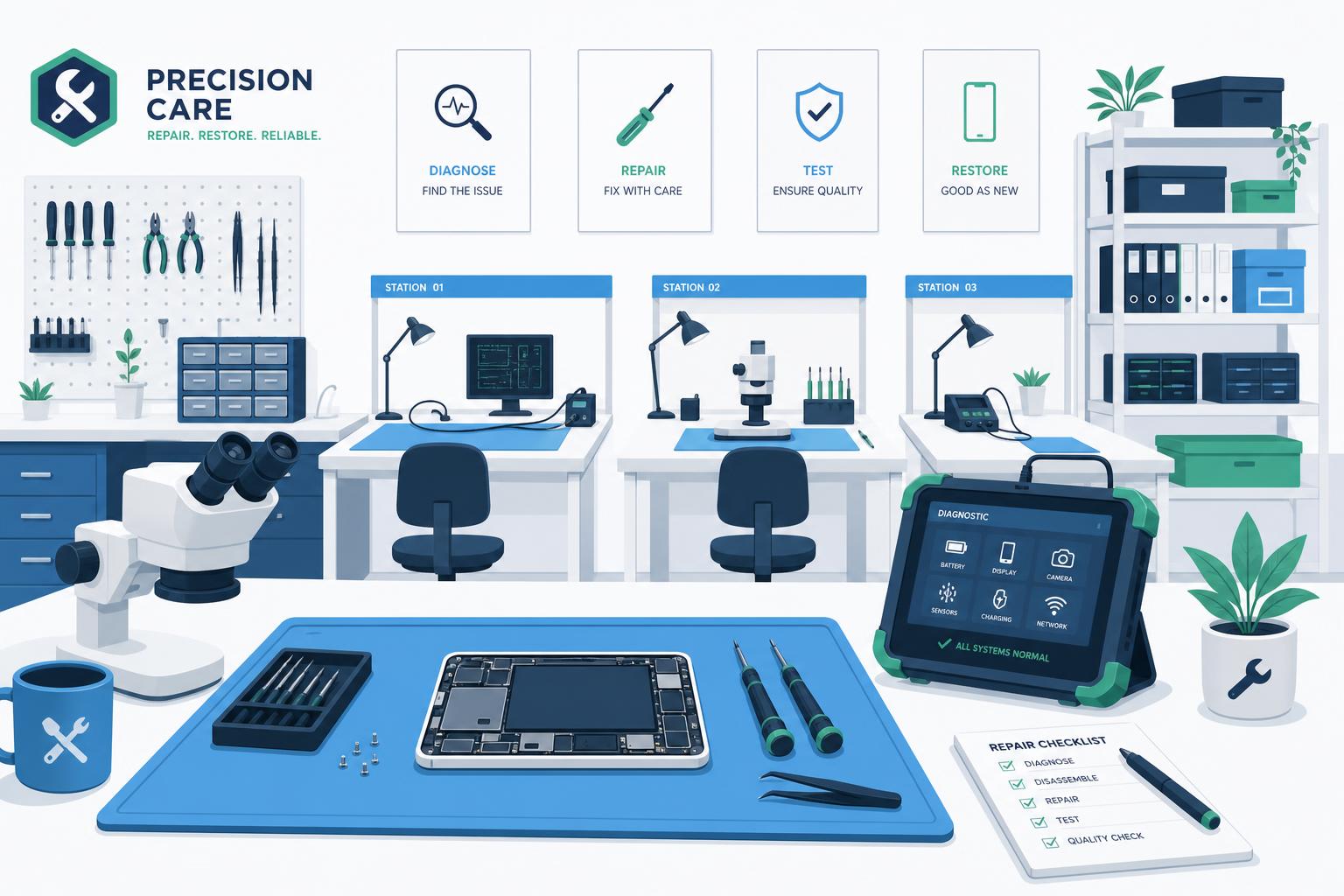
Scan to claim, move, complete or hand-off, no typing.
See breaches before they happen, not after.
Snap evidence into the job from any phone or tablet.
Most workshop pain comes from devices being in one state physically and another digitally. Scan-driven stations keep them in sync without admin overhead.
Auto-generate QR labels at intake, every device, every accessory.
Diagnostics, parts-wait, repair, QC, ready-for-pickup, yours to define.
One scan transitions the job, logs the time and notifies the next owner.
Per-station and end-to-end timers with breach alerts and root-cause tags.
20 minutes is enough to size it on your real volume.